

A Proper Receipt, Every Time
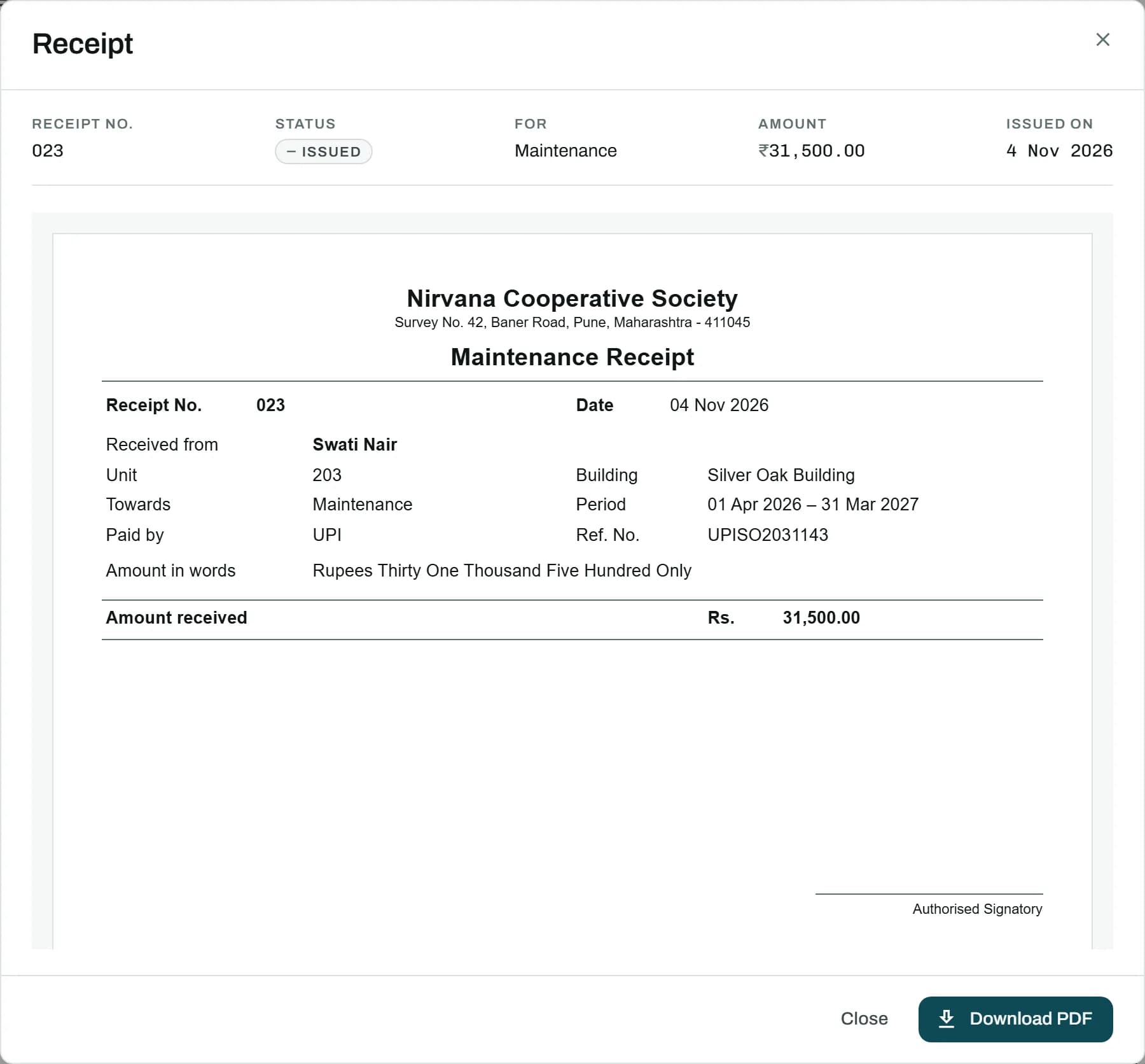
A receipt in your society's own format the moment a due is paid, and exactly the same if reprinted years later.
How It Works
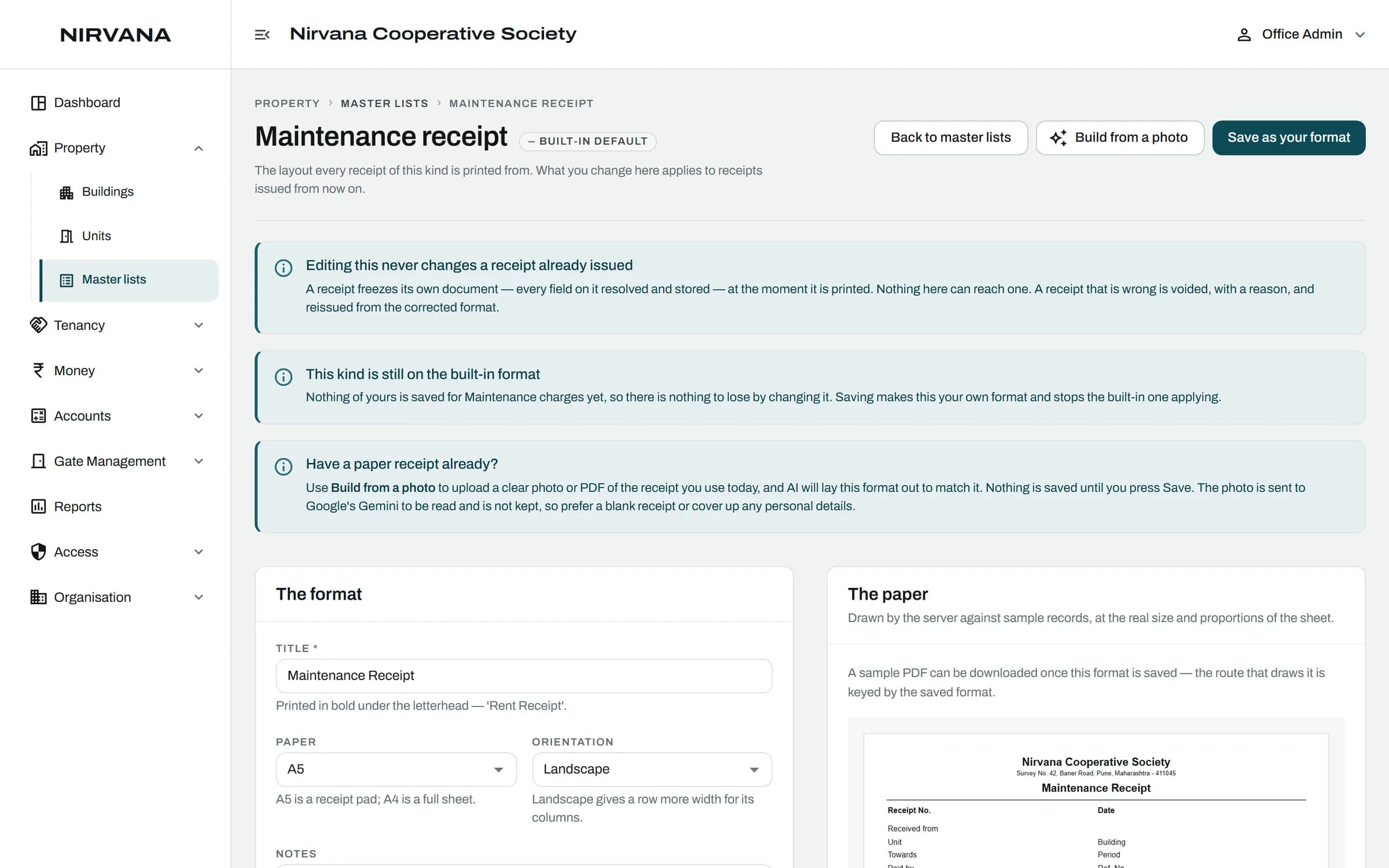
- Design Your Format
- Issued When the Due Is Paid
- In the Resident's App As a PDF
01
Design Your Format
Pick the fields, the wording and the layout for each kind of charge. Or photograph your old receipt and let AI draft the format for you to check.
02
Issued When the Due Is Paid
A fully paid due gets its receipt at once, with the next number in the series.
03
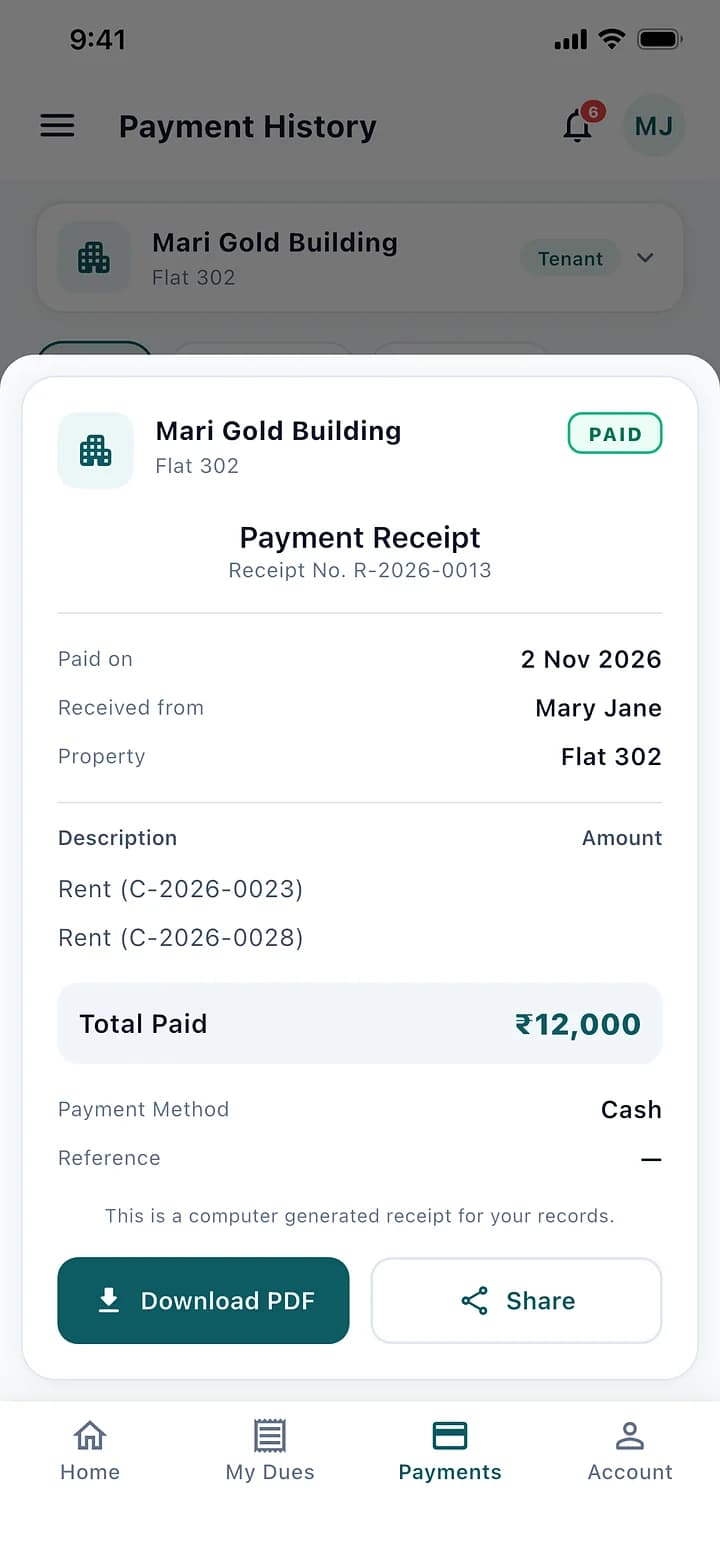
In the Resident's App As a PDF
Residents download or share their receipts any time.
The Rules It Handles.
Built for how a society actually runs, so the office does not have to remember them.
A receipt is frozen when issued; changing the format later never changes it
A wrong receipt is voided with a reason and reissued on a new number
Receipt numbers restart each April
Your own letterhead, set up once by the office
Receipts: Questions
Can't find what you are looking for? Talk to us and we will walk you through it.
No. A receipt is issued when the due is paid in full; the screen tells you which dues are only part-paid.
No. It is voided with a reason and a new one is issued, so every number can be accounted for.
See It With Your Own Society's Data.
A 30-minute walkthrough of your buildings, dues and gate. No obligation.
Book a Free DemoNext Feature
Contributions and Events