

One App For Residents and the Security Gate
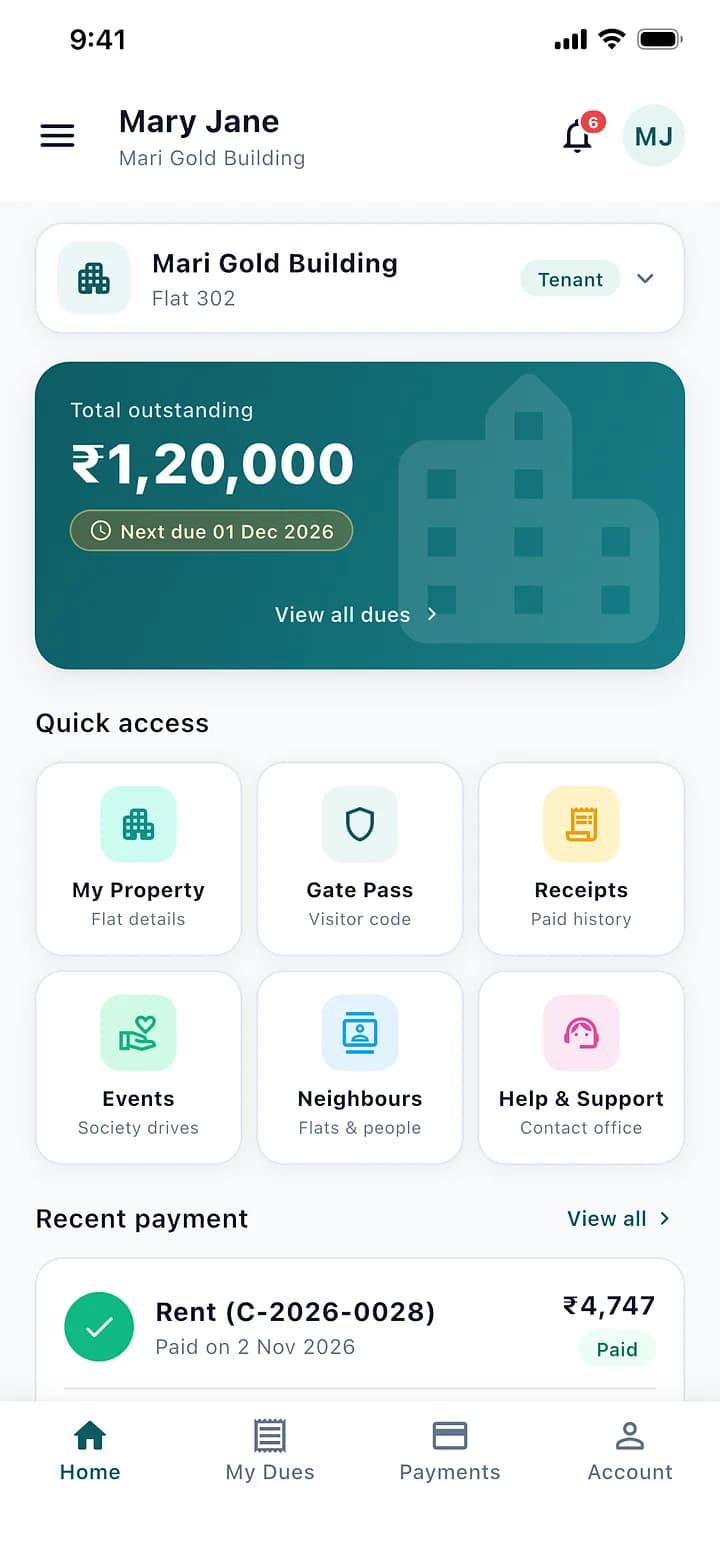
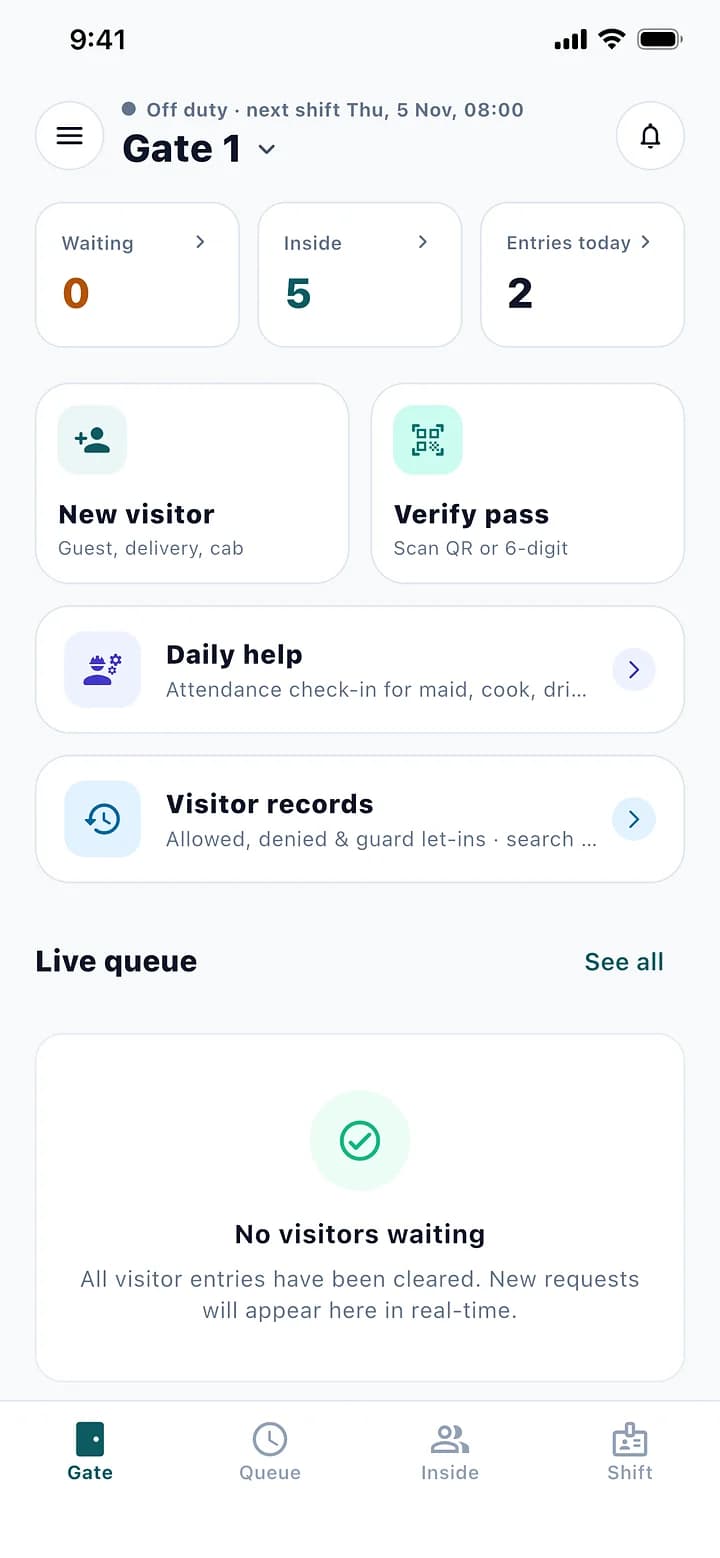
Residents see their dues, receipts and visitors. Guards run the gate. Both connected to the office.
How It Works
- Sign In With a Code
- Dues and Receipts
- The Gate In Their Pocket
- Neighbours and Events
- For Guards: the Whole Gate
01
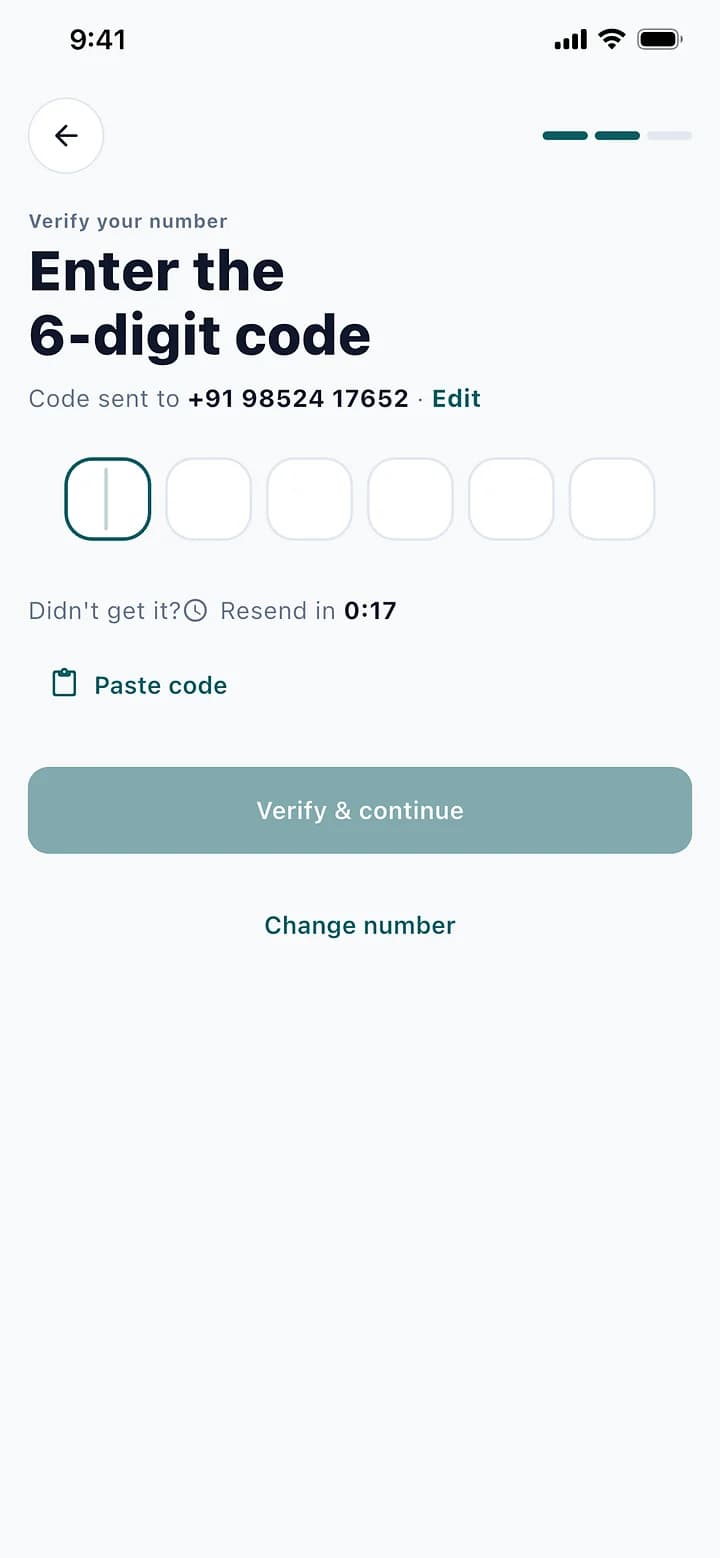
Sign In With a Code
A phone number and a 6-digit code. No passwords to forget.
02
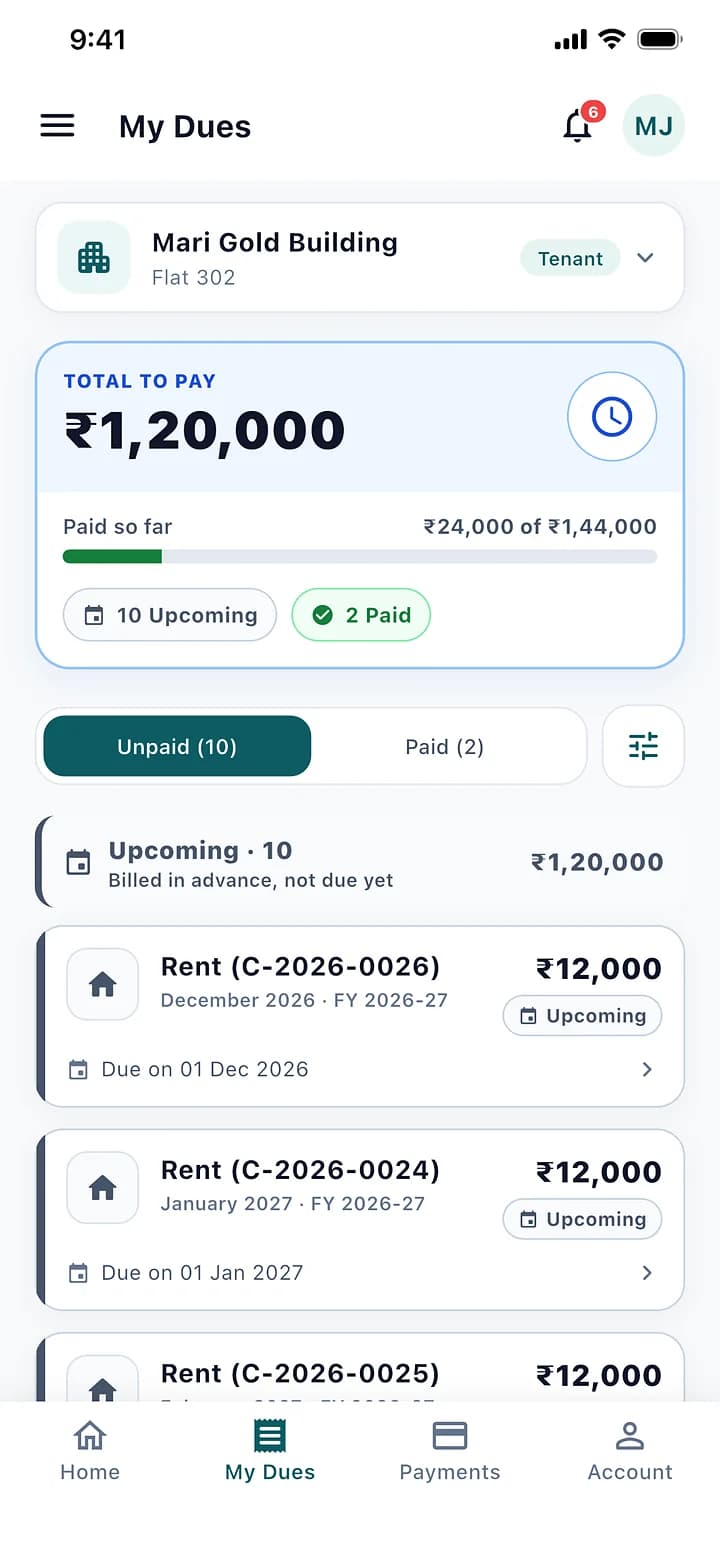
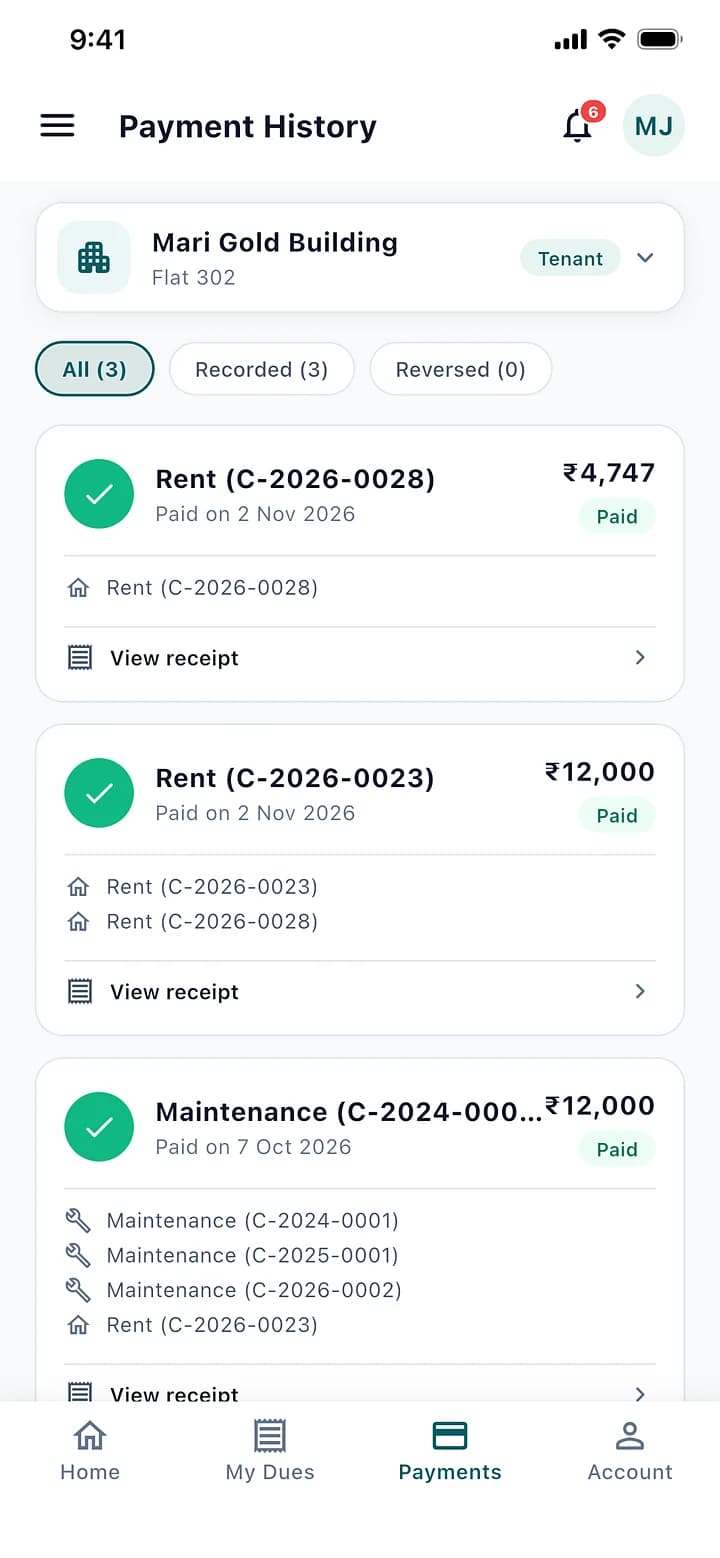
Dues and Receipts
What is due, what was paid, and every receipt as a PDF.
03
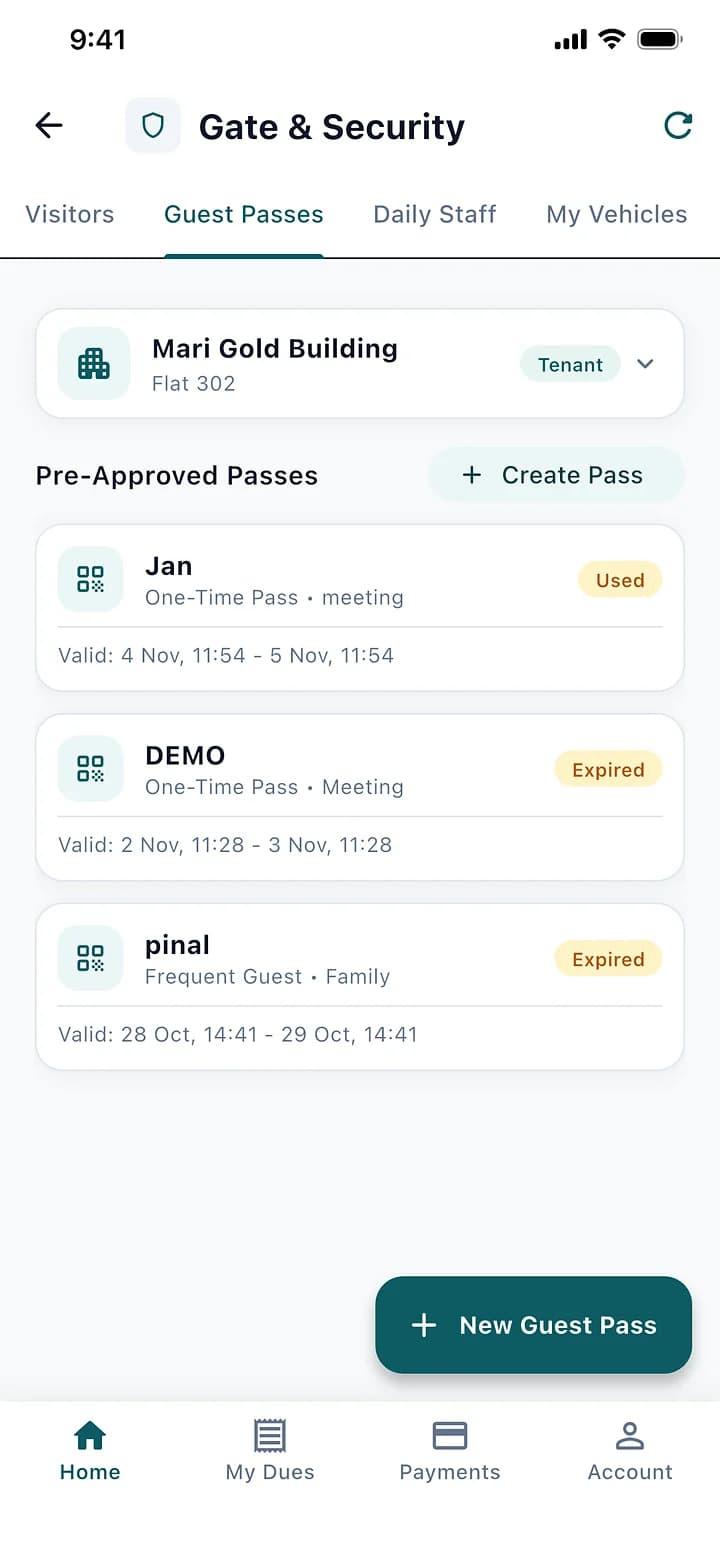
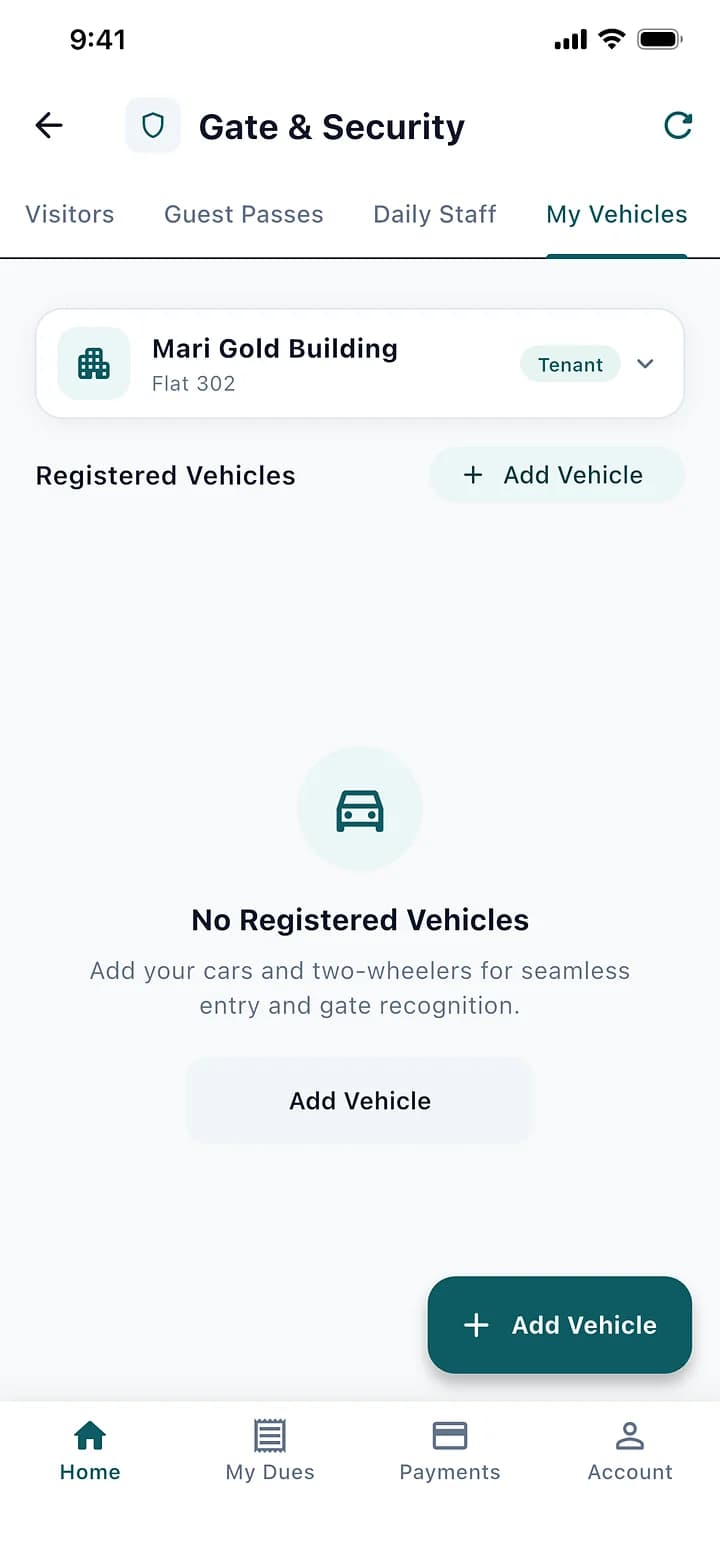
The Gate In Their Pocket
Approve visitors, create guest passes, add daily help and vehicles.
04
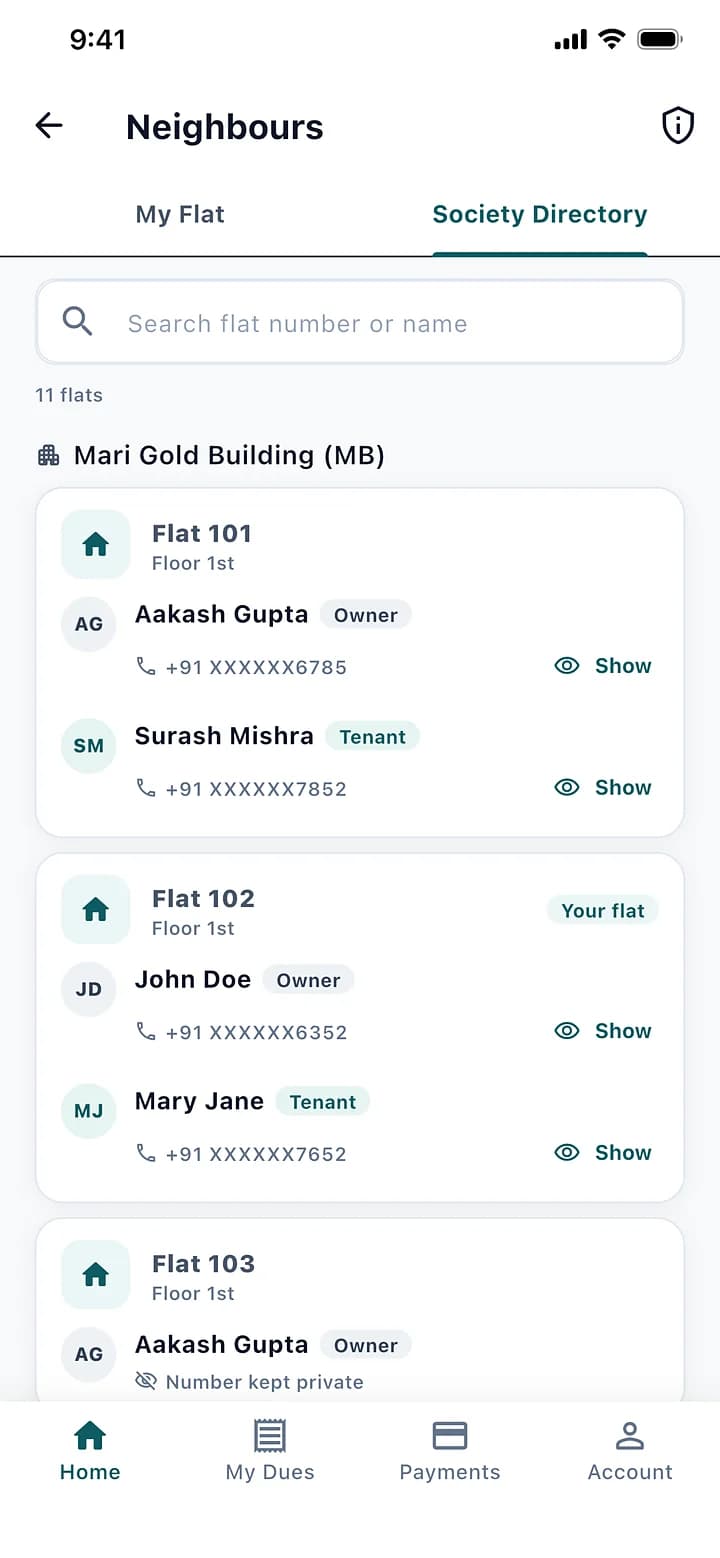
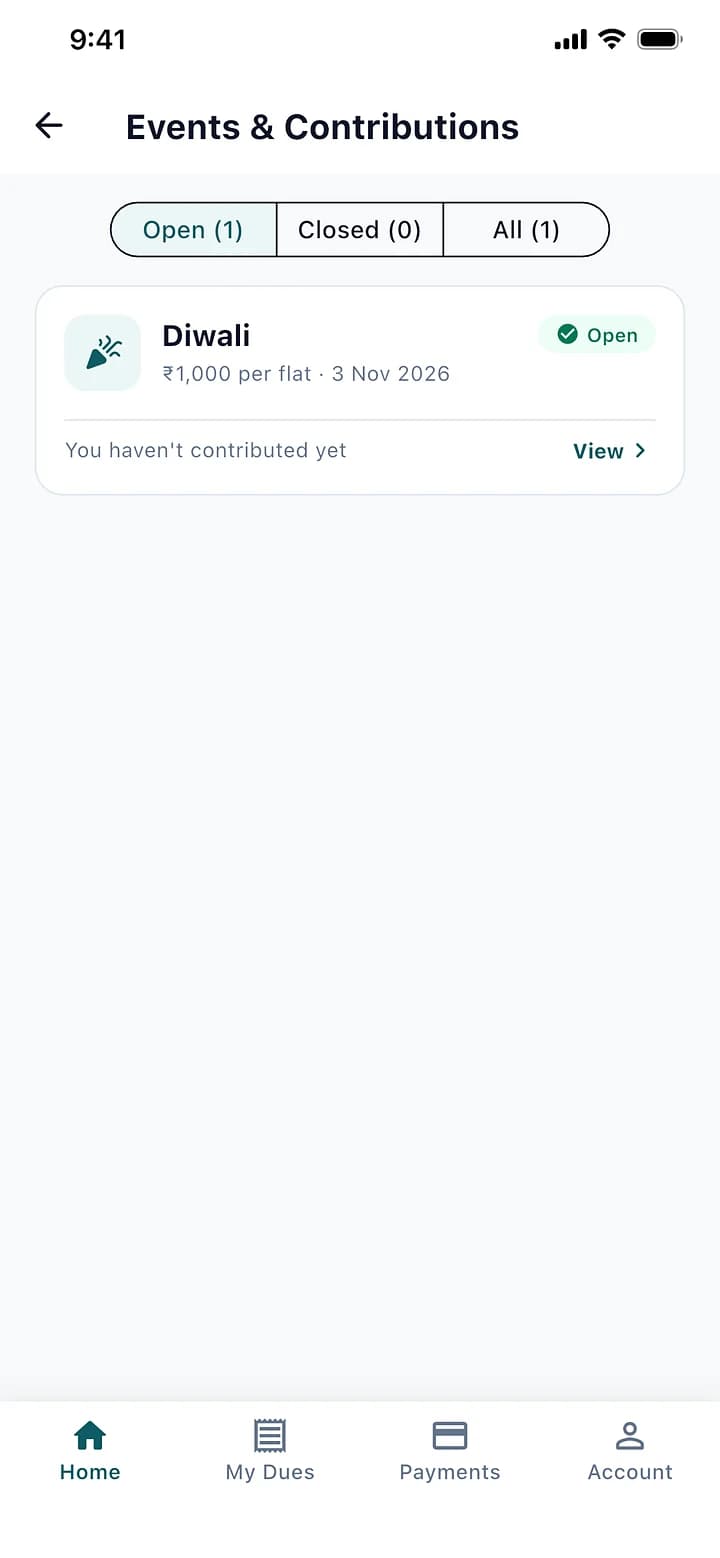
Neighbours and Events
The society directory with numbers hidden by default, and the society's events.
05
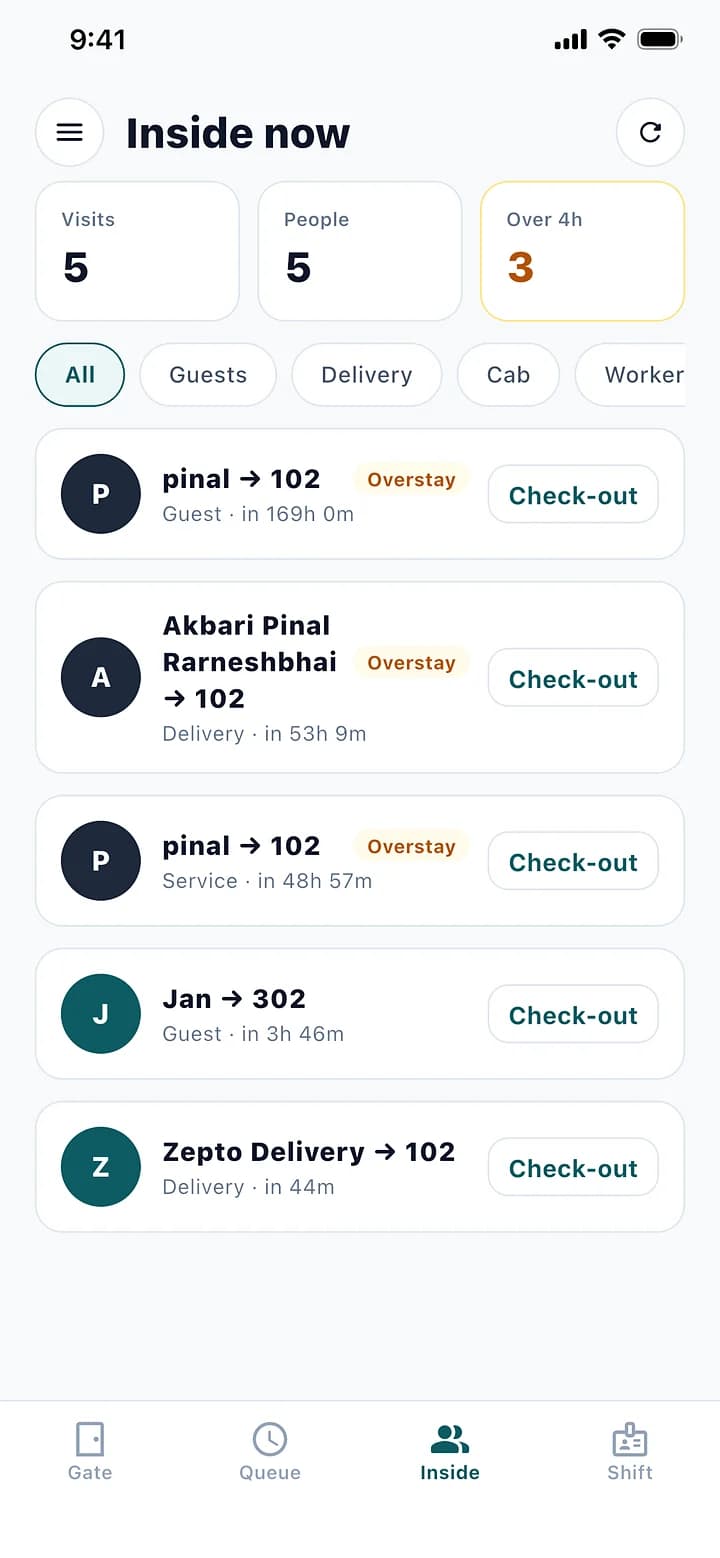
For Guards: the Whole Gate
New visitors, passes, the waiting queue, who is inside, daily help and their own shift.
The Rules It Handles.
Built for how a society actually runs, so the office does not have to remember them.
Residents see only their own flats
A neighbour's number is masked; showing it is limited and recorded
Residents can hide their own number
Payments are made at the office and appear in the app at once
Mobile App: Questions
Can't find what you are looking for? Talk to us and we will walk you through it.
Not yet. They pay at the office, and the payment and receipt appear in the app straight away.
It is the same app. A guard signs in with their own phone number and sees the gate screens instead.
Yes. They switch flats from the top of the home screen.
See It With Your Own Society's Data.
A 30-minute walkthrough of your buildings, dues and gate. No obligation.
Book a Free DemoNext Feature
Roles and Audit