

Shifts and House Help, Tracked Without a Register
Plan guard shifts and see who checked in, while maids, cooks and drivers check in at the gate with a pass.
How It Works
- Plan the Shifts
- Guards Check In On Their Phone
- Daily Help With a Pass
- Attendance, Ready To Read
01
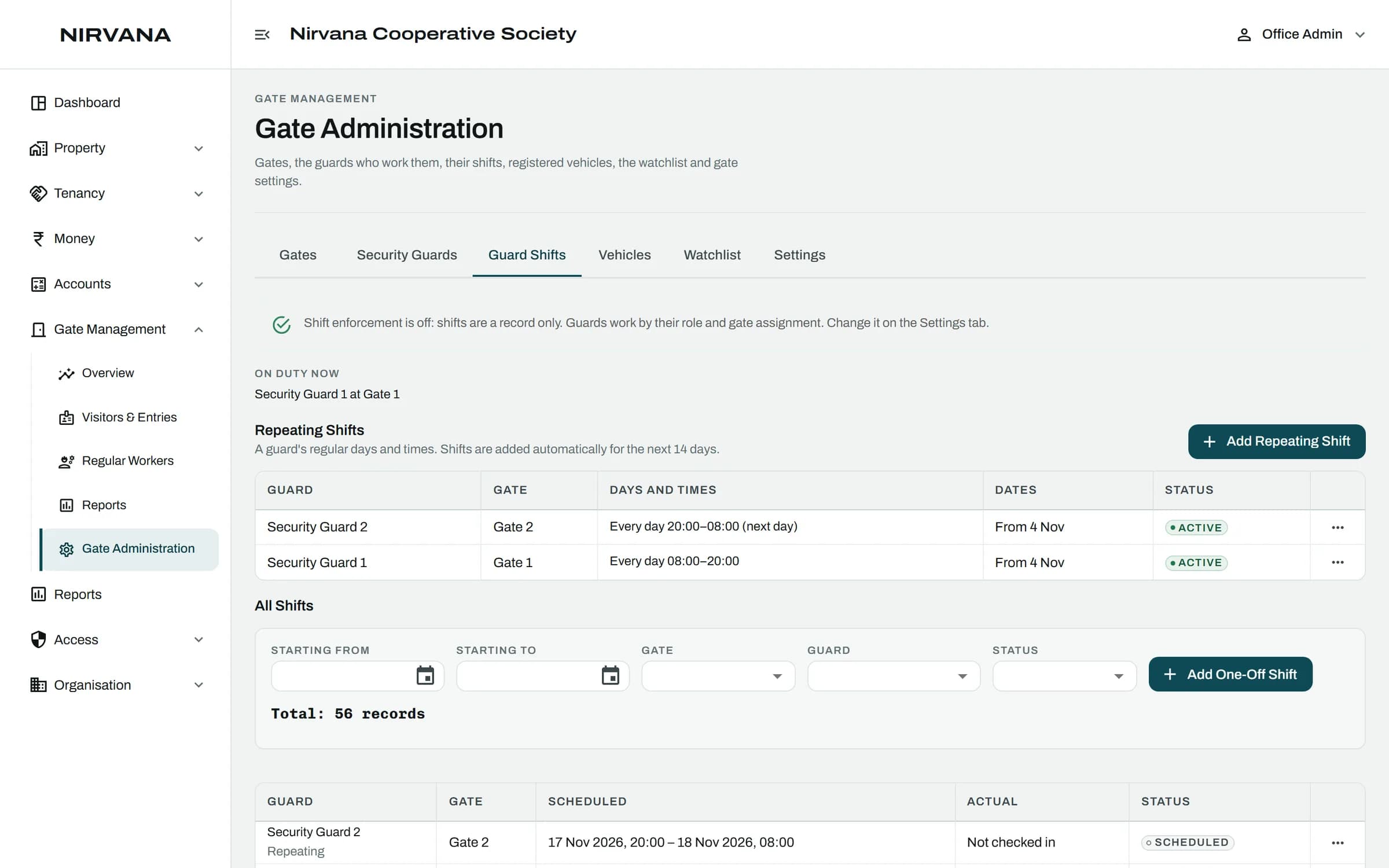
Plan the Shifts
The office sets each guard's shifts by gate.
02
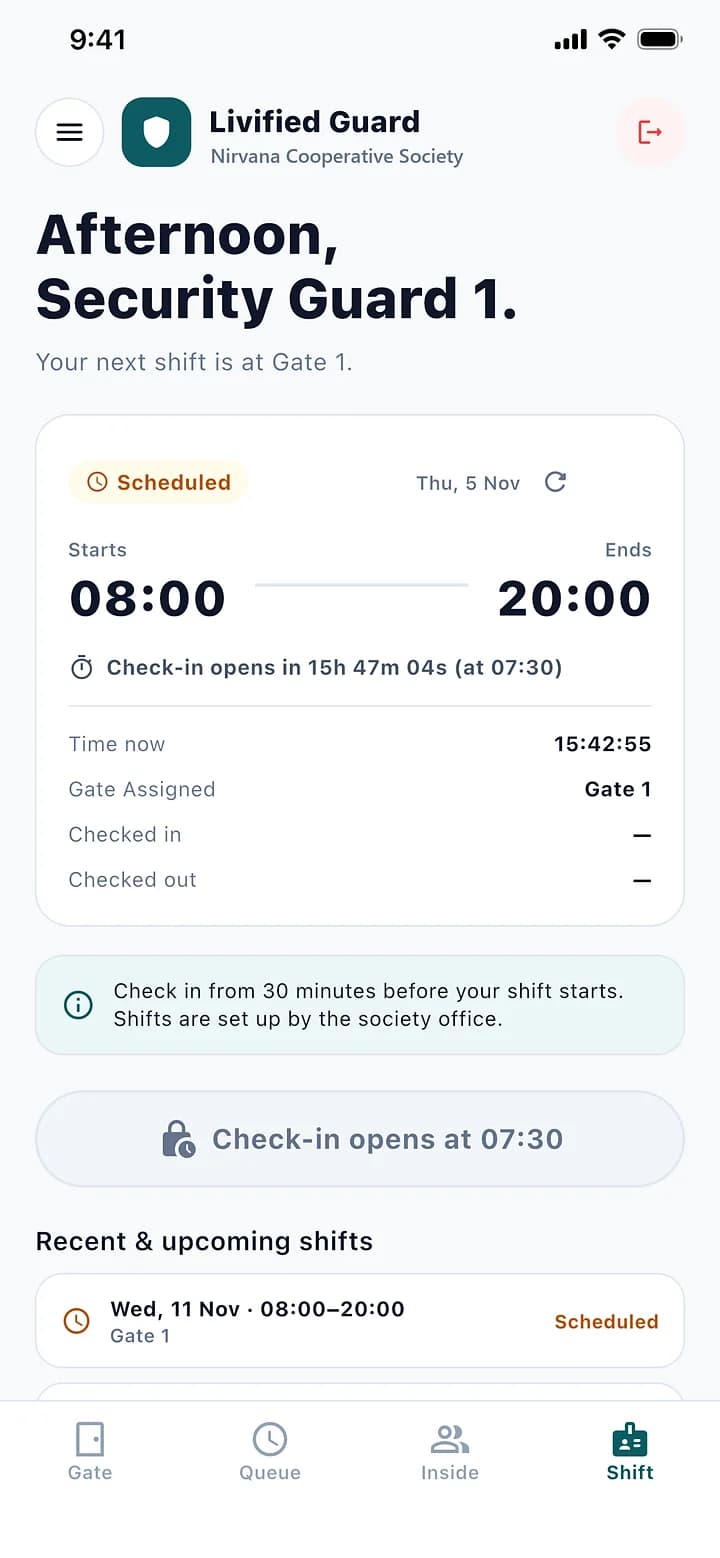
Guards Check In On Their Phone
Check-in opens 30 minutes before the shift. The office sees who is on duty.
03
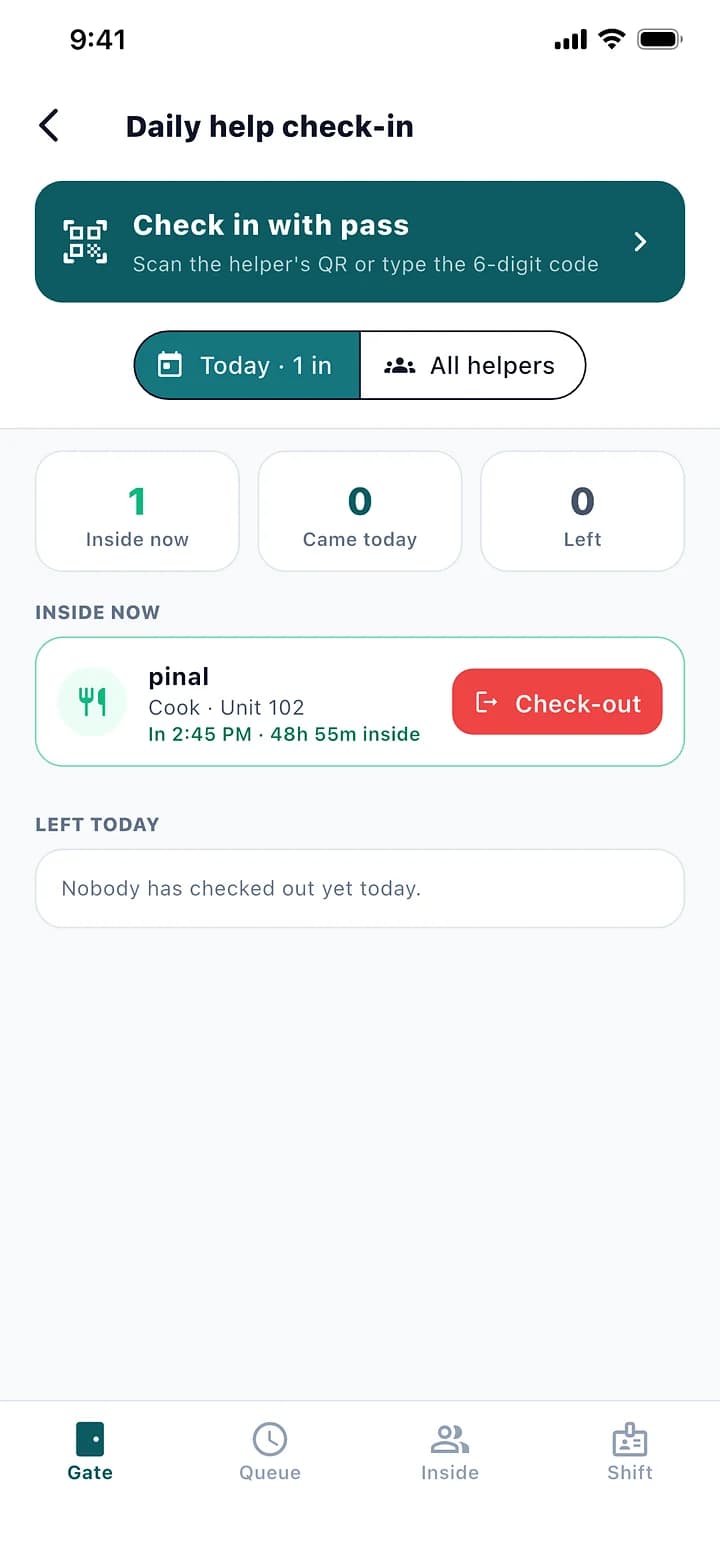
Daily Help With a Pass
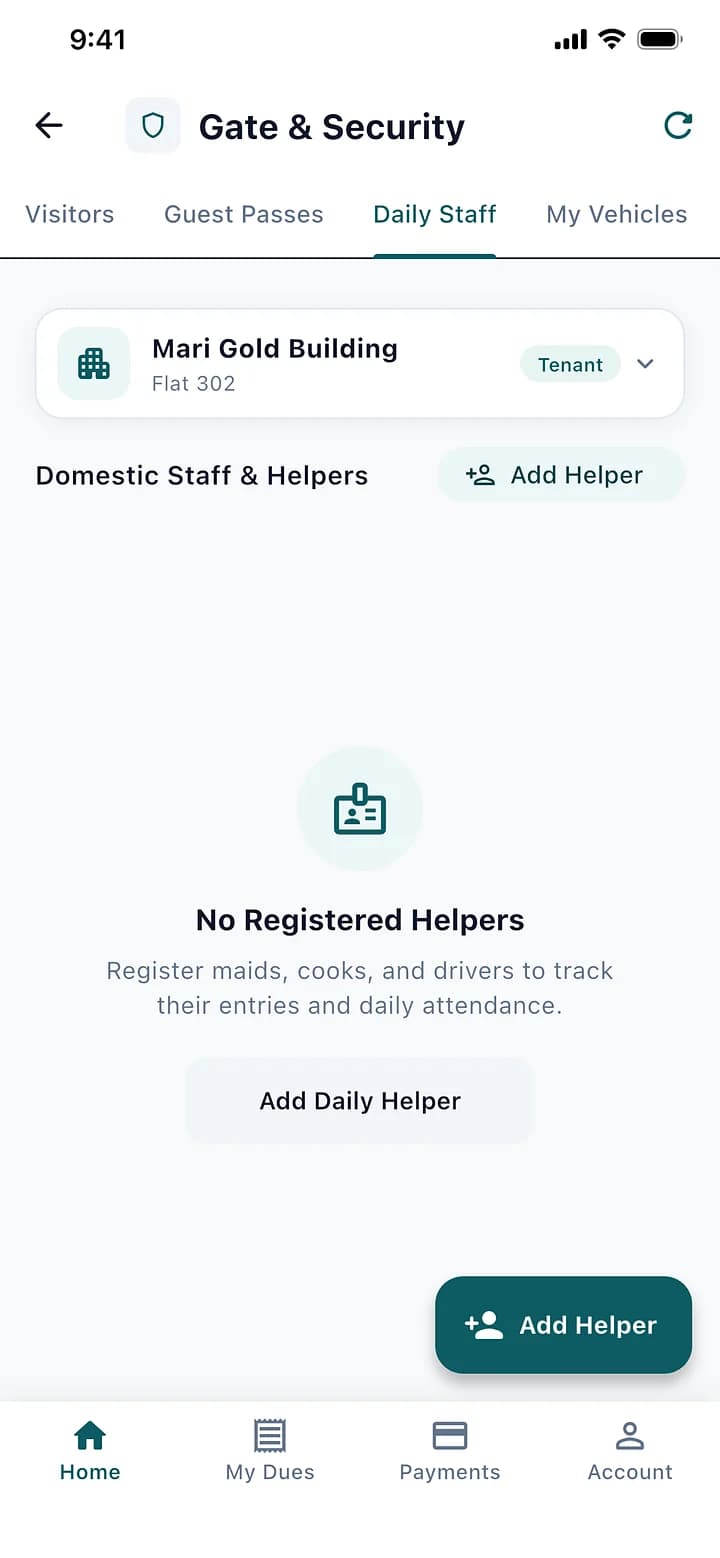
Maids, cooks and drivers check in and out with their pass. Residents add their own help in the app.
04
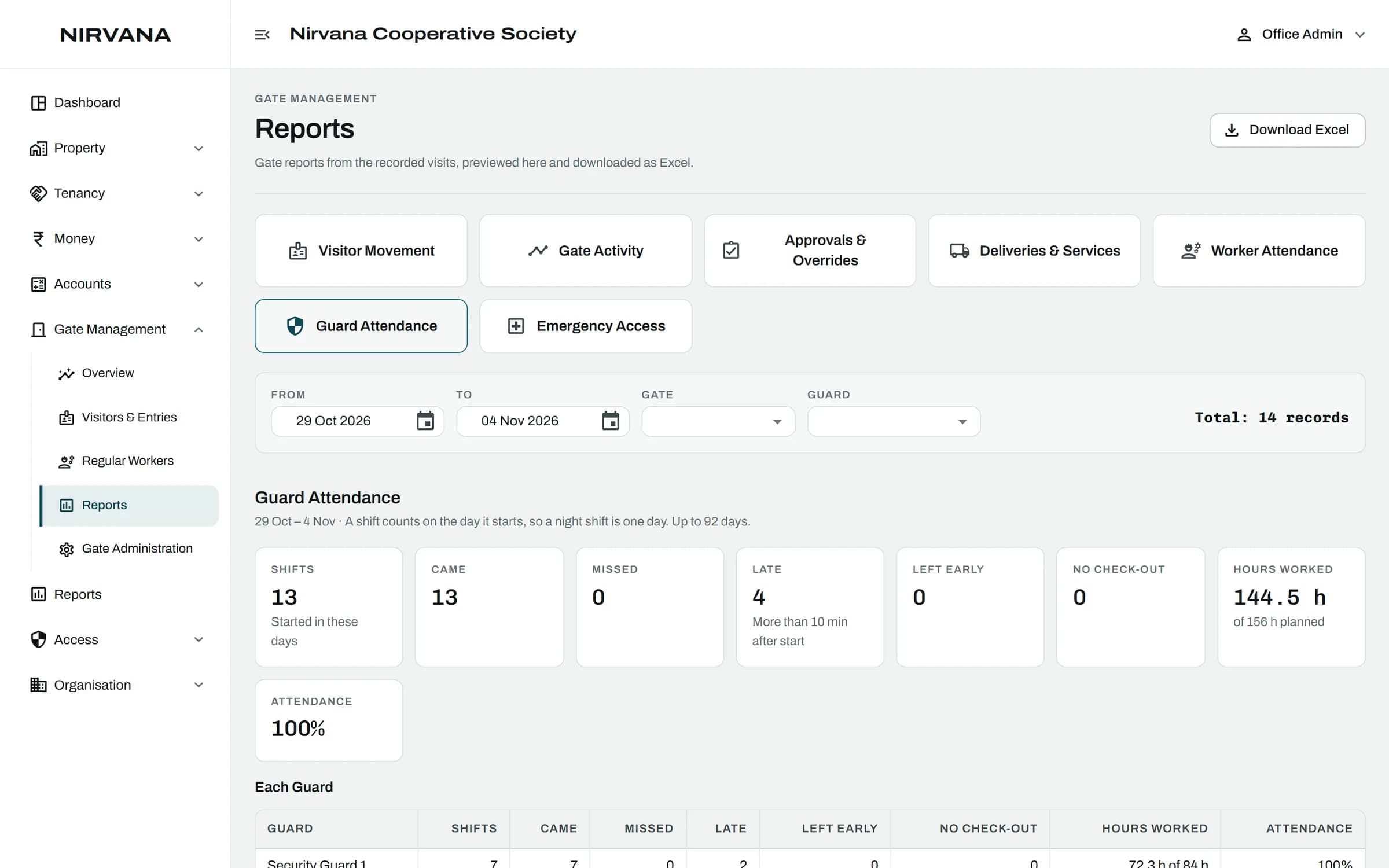
Attendance, Ready To Read
Who came, when, and for how long, for guards and for daily help.
The Rules It Handles.
Built for how a society actually runs, so the office does not have to remember them.
Maids, cooks, drivers, society staff, vendors and contractors
A helper without a pass can still be let in with the resident's approval
Shift rules can be switched on per society
Attendance comes from real check-ins, not a signature in a book
Guards and Daily Help: Questions
Can't find what you are looking for? Talk to us and we will walk you through it.
Yes. Residents add their daily help in the app, and the helper checks in at the gate with a pass.
Yes. With shift rules on, a guard can work a gate only while checked in to a shift there.
See It With Your Own Society's Data.
A 30-minute walkthrough of your buildings, dues and gate. No obligation.
Book a Free DemoNext Feature
Mobile App